
MCP server for Apache Kafka
A Kafka MCP server that uses the connections you already have
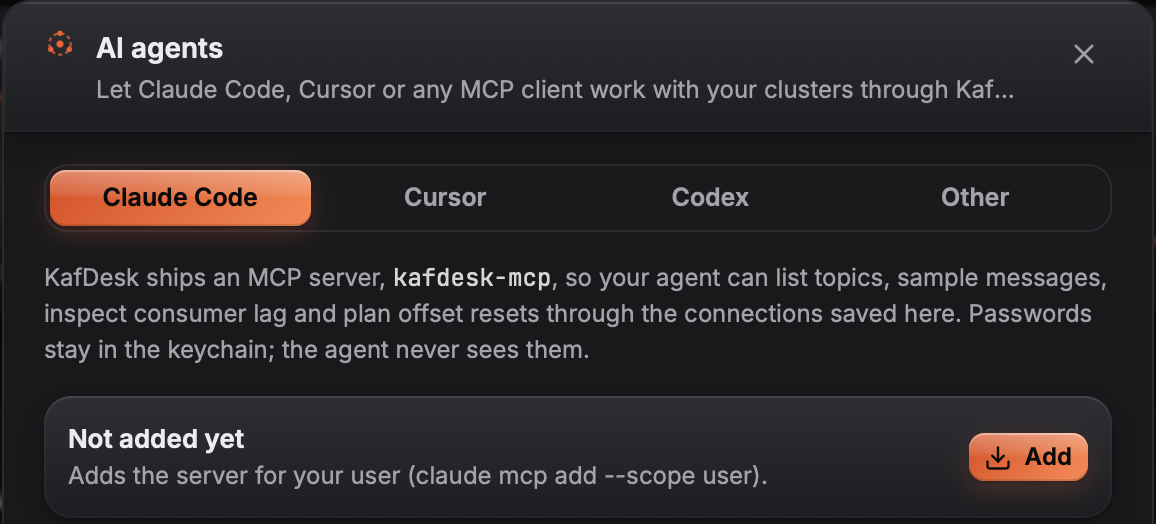
KafDesk ships kafdesk-mcp, a Model Context Protocol server for Apache Kafka. Claude Code, Cursor, Codex or any MCP client can list topics, sample and find messages, explain consumer lag and compare schema versions, with the same scoped credentials you use in the app.
Tools for agents
- Clusters and topics:
list_clusters,cluster_overview,list_topics,describe_topic. - Messages:
consume(bounded samples, decoded) andfind_messages_by_key. - Consumer groups:
list_groups,describe_group,explain_consumer_lag(stopped consumers, rebalances, one hot partition, stalled commits, consumers slower than producers). - Schemas:
compare_schema_versions. - Changes, only when you allow them:
reset_offsetsplans a reset and applies it only with--allow-write;produceexists only with--allow-write.
Guard rails
The server is read-only by default, a read-only connection stays read-only, outputs are capped so a big topic cannot flood the agent, and cluster data is marked as untrusted input in the tool descriptions. Every call goes to an audit log that the app shows under AI agents.
Questions
- What is the KafDesk MCP server?
- kafdesk-mcp is a Model Context Protocol server that ships with KafDesk. It gives AI agents such as Claude Code, Cursor or Codex tools to look at your Kafka clusters through the connections you saved in KafDesk.
- Can an AI agent change my Kafka cluster?
- Not by default. kafdesk-mcp is read-only unless you start it with --allow-write; connections marked read-only in KafDesk stay read-only for agents too, and every tool call is written to an audit log.
- Which tools does it offer?
- list_clusters, cluster_overview, list_topics, describe_topic, consume, find_messages_by_key, list_groups, describe_group, explain_consumer_lag, compare_schema_versions and reset_offsets (plan only, unless writes are allowed). produce is listed only with --allow-write.
- How do I add it to Claude Code or Cursor?
- Open AI agents in KafDesk and click the client: KafDesk adds kafdesk-mcp to Claude Code, Cursor or Codex. Any other MCP client can start the kafdesk-mcp binary over stdio.
- Where do the credentials come from?
- From your KafDesk connections and the OS keychain. The agent never sees passwords; it only gets the results of the tools.