
Copy Kafka messages · DLQ replay
Copy Kafka messages to another topic or cluster
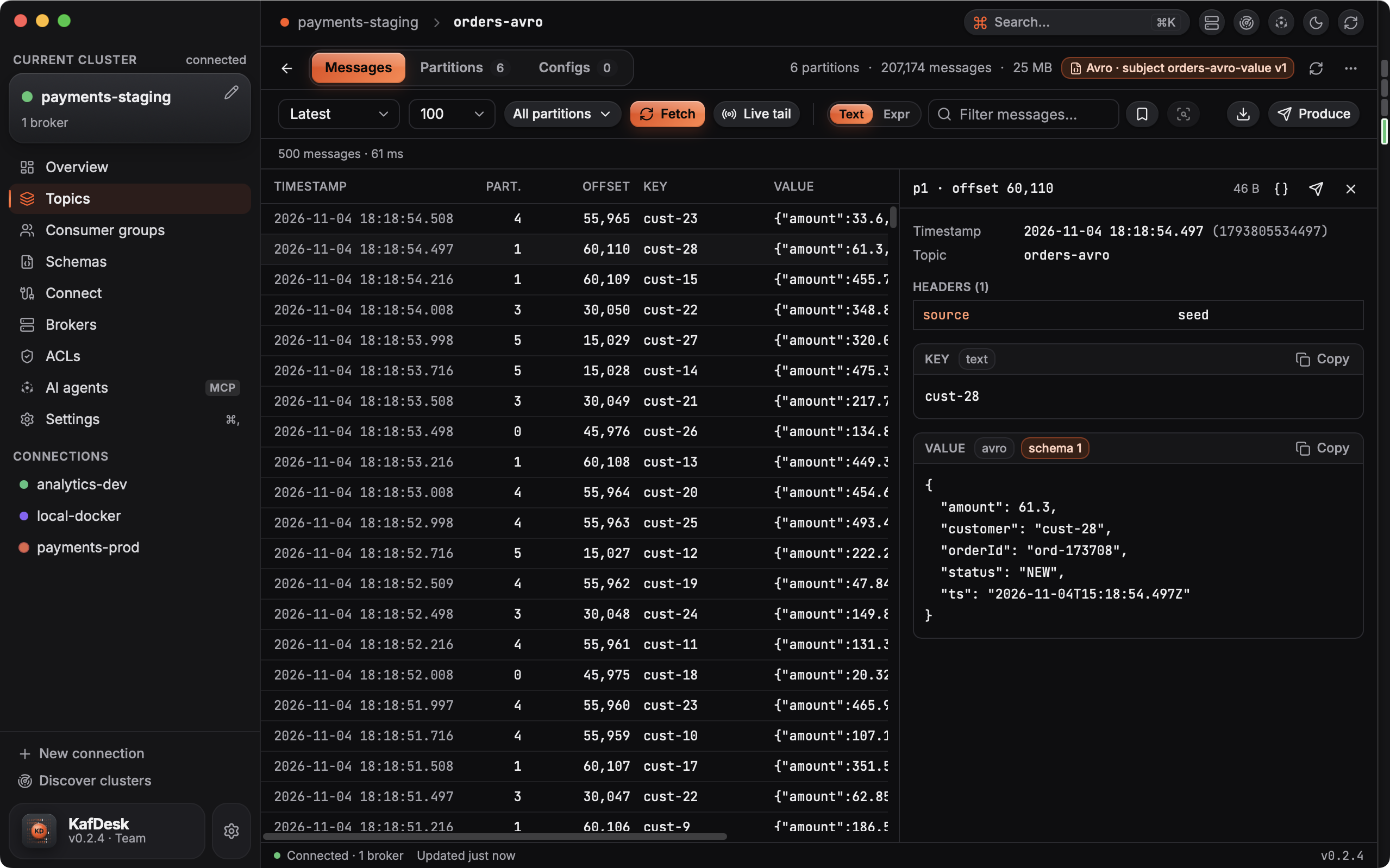
Replay a dead-letter topic into the main one, move a slice of production data to staging, or keep a sample for a test. KafDesk copies the messages you are looking at, filters included, byte for byte, after a preview that shows exactly what will be sent.
How the copy works
- Select with the same controls as browsing: latest per partition, from the start, from an offset or a time, chosen partitions, a text search or an expression like
value.error != "". - Preview: the number of records and bytes, the offsets per partition, the first records and any warnings (keyless records on a compacted target, schema ids between clusters).
- Copy: exactly the previewed offsets, even while producers keep writing; records of aborted transactions are skipped; up to 100,000 records per copy.
Copy to topic is in KafDesk 0.2.6 and later.
Questions
- How do I replay messages from a Kafka dead-letter topic?
- Open the DLQ topic in KafDesk, choose where to start (latest, from the start, an offset or a time) and filter if needed, then Copy to… the main topic. The preview shows the count, the offsets and the first records; the copy sends exactly those.
- Are the messages changed when copied?
- No. Keys, values and headers are copied byte for byte, so Avro, Protobuf and JSON Schema payloads keep their schema ids. You choose whether records keep their original timestamps, and you can add kafdesk-source-topic, -partition and -offset headers.
- Can I copy Kafka messages between clusters?
- Yes. The target can be a topic on any connected cluster, for example production to staging. KafDesk warns when records carry Schema Registry ids, because the target's consumers need the same registry.
- Which partition do copies go to?
- By key with the default partitioner, as Java clients do (records with the same key stay in order), or to the same partition number when the target has as many partitions.
- Is it safe on production?
- The copy never touches the source topic and never creates topics. Copying a topic onto itself is refused, a read-only connection cannot be a target, and a production target asks you to type the topic name.